
Exciting Update: Rough Around the Halo Is Now on Your Home Screen
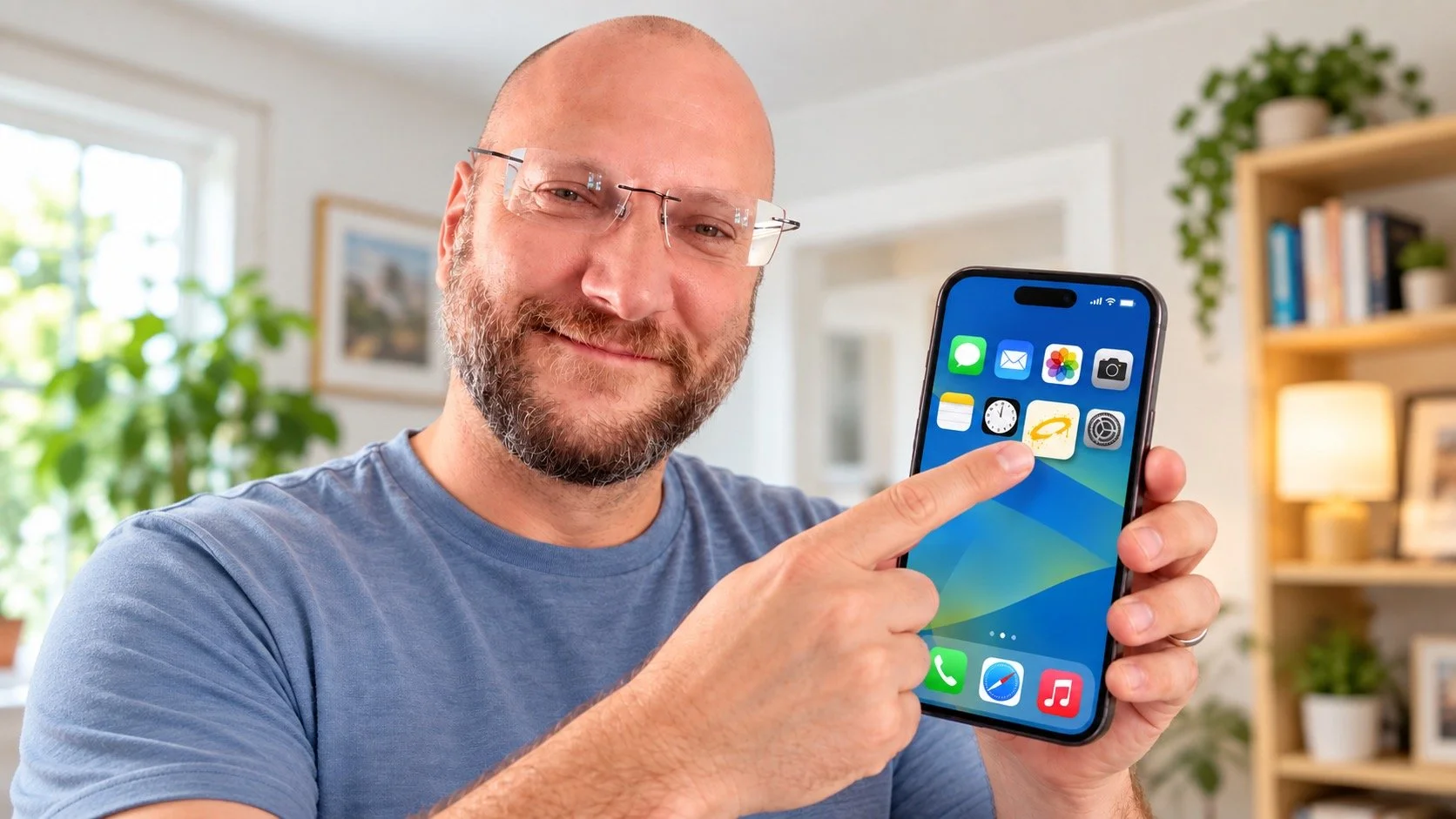
I’ve got some exciting news.
Rough Around the Halo can now live on your phone or tablet like an app.
No App Store. No Google Play. No downloading 247MB of something just so you can read the latest article.
You can now save rougharoundthehalo.com directly to the Home Screen of your iPhone, iPad or Android device. You’ll get the Rough Around the Halo icon alongside your other apps, and one tap takes you straight to the site.
It means the latest articles, devotionals and whatever else I decide to inflict on the internet are never more than a tap away.
And because it’s still the website underneath, you don’t need to keep downloading updates. When the site changes, the version you open changes too.
Basically, Rough Around the Halo now behaves a lot more like an app, without me having to persuade Apple that I’m a software developer.
iPhone & iPad
You’ll need to do this using Safari.
1. Open Rough Around the Halo in Safari
Go to rougharoundthehalo.com.
2. Tap the Share button
Tap the Share icon.
It’s the little box with an arrow pointing upwards.
3. Choose “Add to Home Screen”
Scroll through the options until you see:
Add to Home Screen
Tap it.
If it isn’t immediately visible, keep scrolling down.
4. Turn on “Open as Web App”
Make sure Open as Web App is switched on.
This is the bit that makes Rough Around the Halo feel much more like a normal app rather than simply opening another Safari tab.
5. Tap “Add”
That’s it.
You should now see the Rough Around the Halo icon sitting on your Home Screen.
Tap it and the site opens directly.
Android
The exact wording can vary slightly depending on your phone and version of Chrome, but the process is just as easy.
1. Open Rough Around the Halo in Chrome
Open Google Chrome and go to: rougharoundthehalo.com
2. Tap the three dots
Tap the ⋮ menu in the top-right corner of Chrome.
3. Choose the install option
Depending on your phone, this may say:
Install app or Add to Home screen
or something very similar.
Don’t panic if yours looks slightly different. You’re simply looking for the option to install the site or add it to your Home Screen.
4. Tap “Install” or “Add”
Confirm it and Android will place the Rough Around the Halo icon on your Home Screen.
5. Open the app
Find the new Rough Around the Halo icon and give it a tap.
Congratulations.
You now have immediate access to biblical encouragement, questionable metaphors, occasional theological rabbit holes and far too many references to food.
That’s It
Once it’s on your Home Screen, there’s no need to open your browser, type the address or try to remember whether it was rougharoundthehalo, rougharoundhalo or that bald bloke with the glasses who writes about Jesus.
Just tap the icon.
Rough Around the Halo. Now considerably easier to get to.